Heat
The stainless head warms tight muscle so it gives instead of fights back. Three levels, 107 to 115°F.
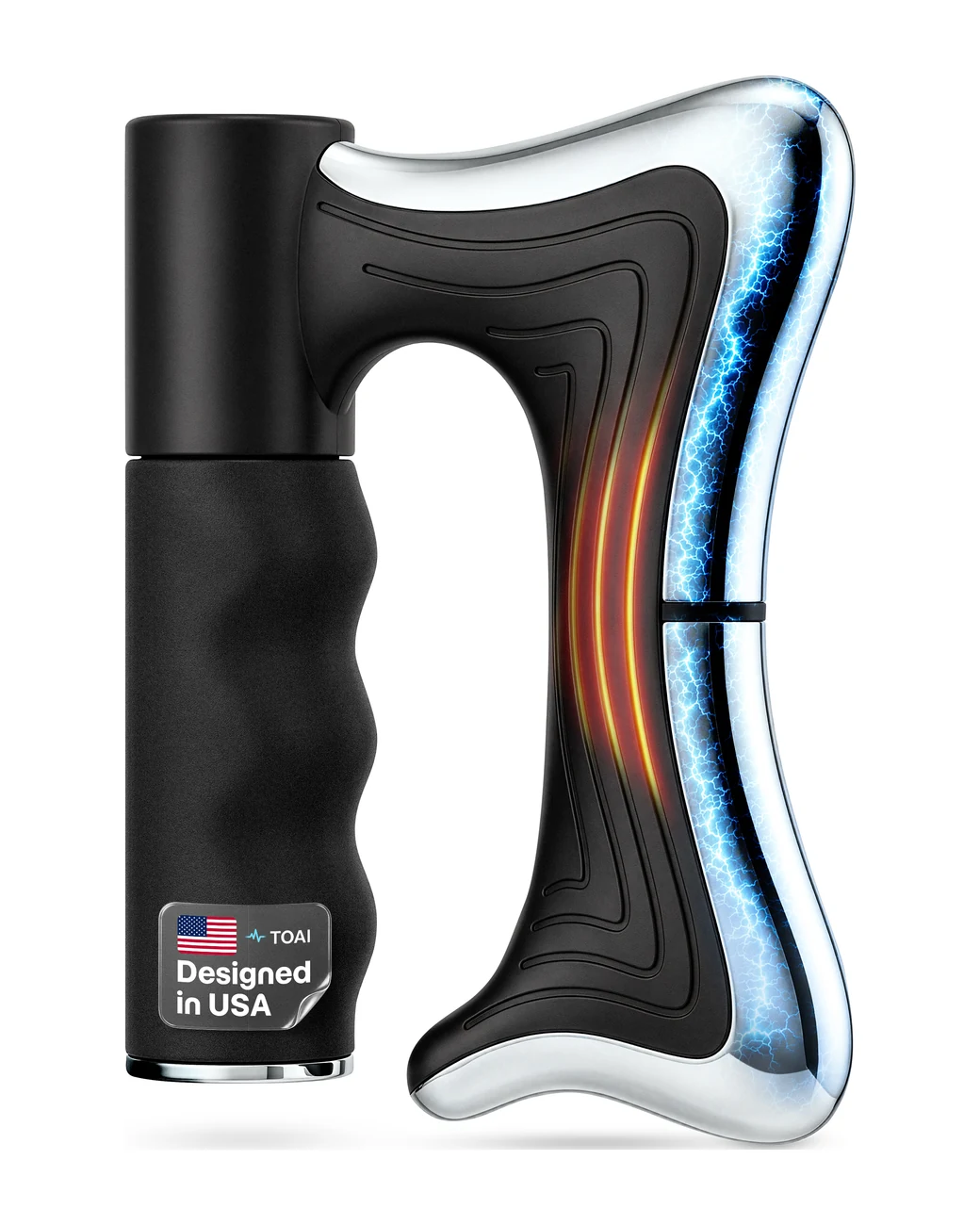
TOAI is the heated electric muscle scraper that breaks up tension, releases fascia, and warms tight muscles in minutes. No clinic. No appointment. No foam roller.
For new TOAI owners
Where to glide. Where to skip. Where to stop.
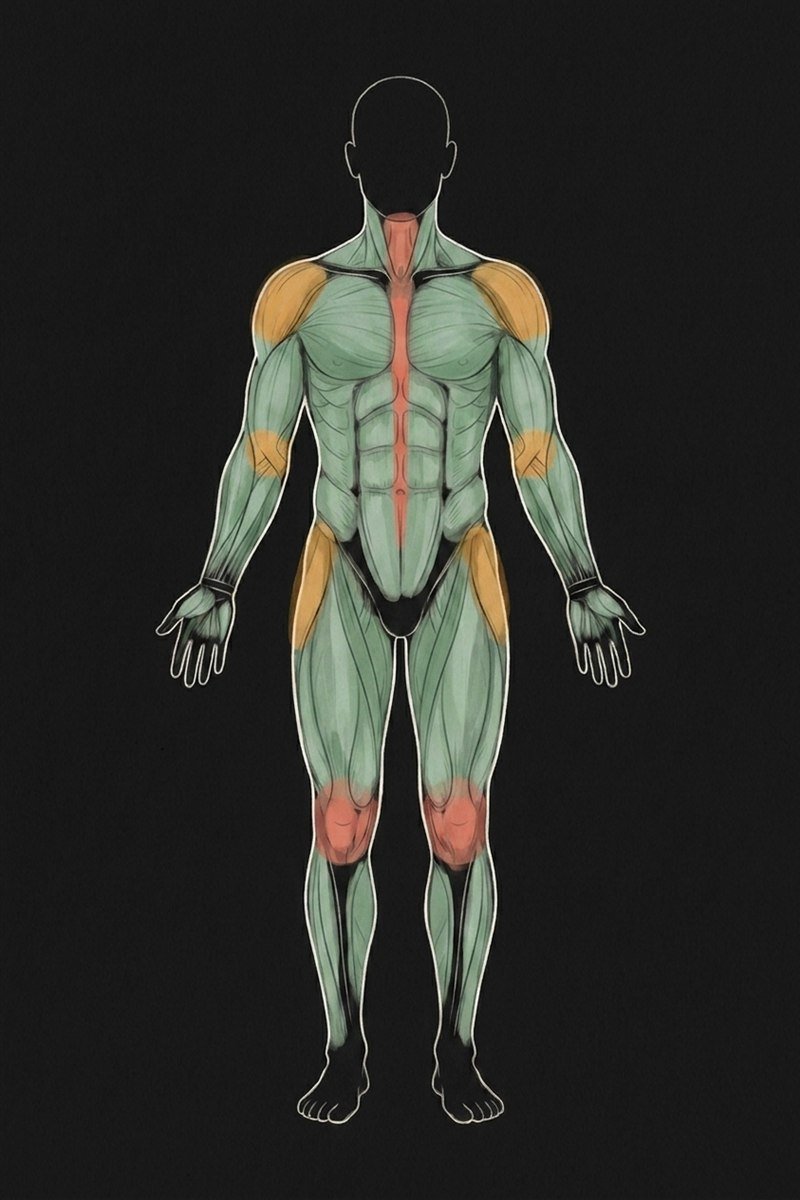
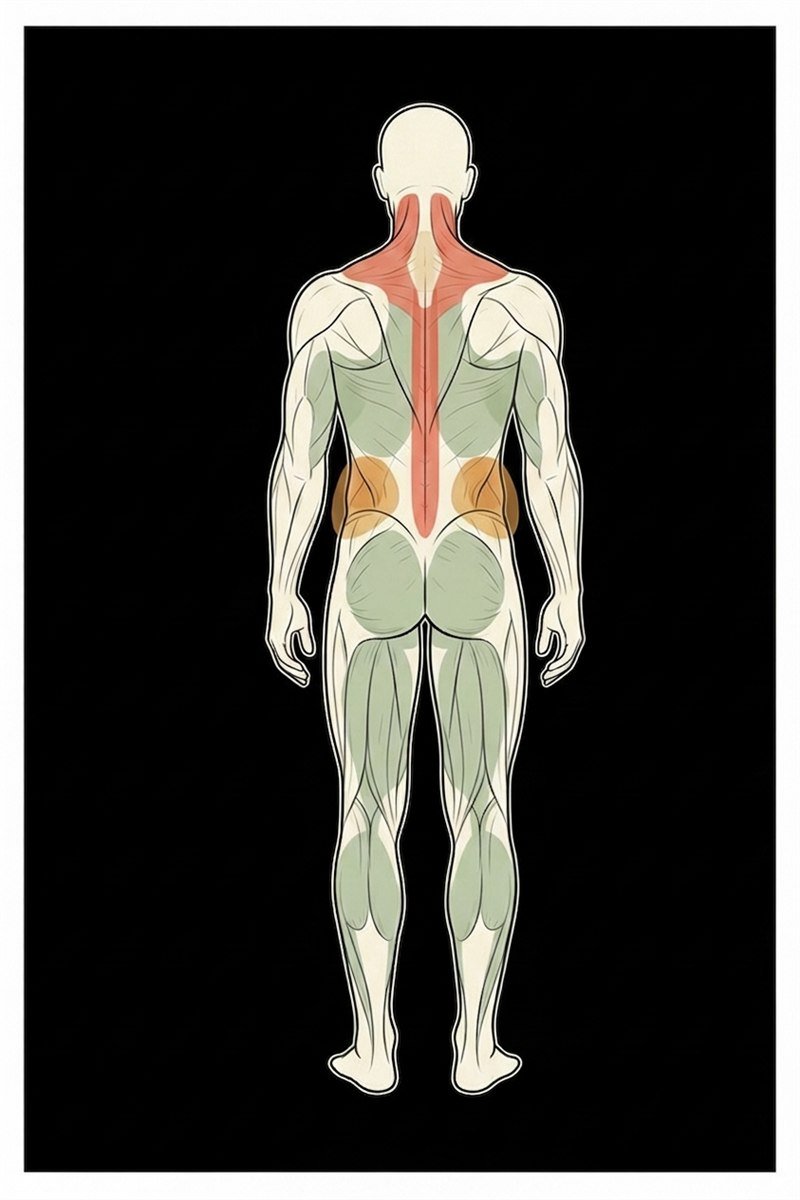
A two-page zone-by-zone guide. Front view + back view, every muscle group color-coded green, amber, or red — plus exact time per spot and recommended mode (heat / vibration / microcurrent).
Check your inbox in a moment — and grab the PDF here too.
Download the PDFThree modes. One tool.
The stainless head warms tight muscle so it gives instead of fights back. Three levels, 107 to 115°F.
Six speed levels of focused vibration. Targets knots, trigger points, and stiff fascia.
Low-frequency electrical current that travels below the surface. Supports lymphatic drainage and recovery.

Designed for control
An OLED display on the cap shows you exactly which mode you're in and which intensity level — no guessing, no menus to fight with.
How it works
Most users feel a measurable difference after a single 3 to 5 minute session.
A thin layer lets the scraper glide. Skipping this is the #1 cause of redness.
Heat for stiffness, vibration for knots, microcurrent for recovery.
Gentle, medium, or intense. Start lower than you think you need.
30 to 60 seconds per spot. Don't grind. Hydrate after.
Where to use it
Glutes, hamstrings, quads. The 30-minute window where recovery actually matters most.
Lower back, traps, shoulders. The end-of-day cure for nine hours hunched over a laptop.
Heat + microcurrent for five minutes before sleep. Deeper rest, fewer 3am wake-ups from tight hips.
Microcurrent mode for swollen ankles after long flights. Plantar fascia maintenance for runners.
The daily five-minute routine for stubborn lower-back tension that never fully goes away.
Get the best results

What's in the box
Every TOAI ships in a custom travel case so it goes anywhere you go — gym bag, suitcase, office drawer. Charge once, run multiple sessions.

From early users
"I have a foam roller, a lacrosse ball, and a massage gun gathering dust. TOAI is the only one I pick up every night. The heat + microcurrent combo on my lower back is something else."
"I sit nine hours a day. My traps were a brick. Two weeks of five-minute sessions before bed and the brick is gone. Replaced three other tools."
"The microcurrent mode is the surprise. I fly weekly for work and my ankles used to swell for two days post-flight. Now it's gone by morning."
Frequently asked
Built for recovery. Built to be used every day.
TOAI is a small company that designs recovery hardware most people can actually keep up with. No clinic appointment, no foam roller you'll abandon, no $600 percussion gun gathering dust. One tool, three modes, five minutes a day. We sell exclusively on Amazon US so you get Prime shipping and Amazon-backed returns. Questions? support@toaibrands.com.
Ready to try it
The recovery tool you'll actually use every day. Five minutes, before bed.
Buy on AmazonSold exclusively on Amazon US · Returns, refunds, and Prime shipping handled through Amazon.
Need help fast?
Reach us before leaving any kind of feedback. Most issues fix in one message.